

Cookies

We use optional analytics cookies to understand how Inkbolt is used. Reject anytime. Privacy Policy

Use case

Build finance video lessons from the notes your team already trusts

Build finance video lessons from course PDFs, planning guides, case notes, or advisor education material.

Draft from course notes

Upload readings, planning examples, case notes, or instructor material. Inkbolt pulls the lesson draft from the document.

Give reviewers a real checkpoint

Review the storyboard before rendering. Edit wording, adjust examples, and regenerate visuals while the lesson is still easy to change.

Handle annual changes

When a topic, example, or regulation changes, update the affected scenes and export a new version.

Visuals

See it in action

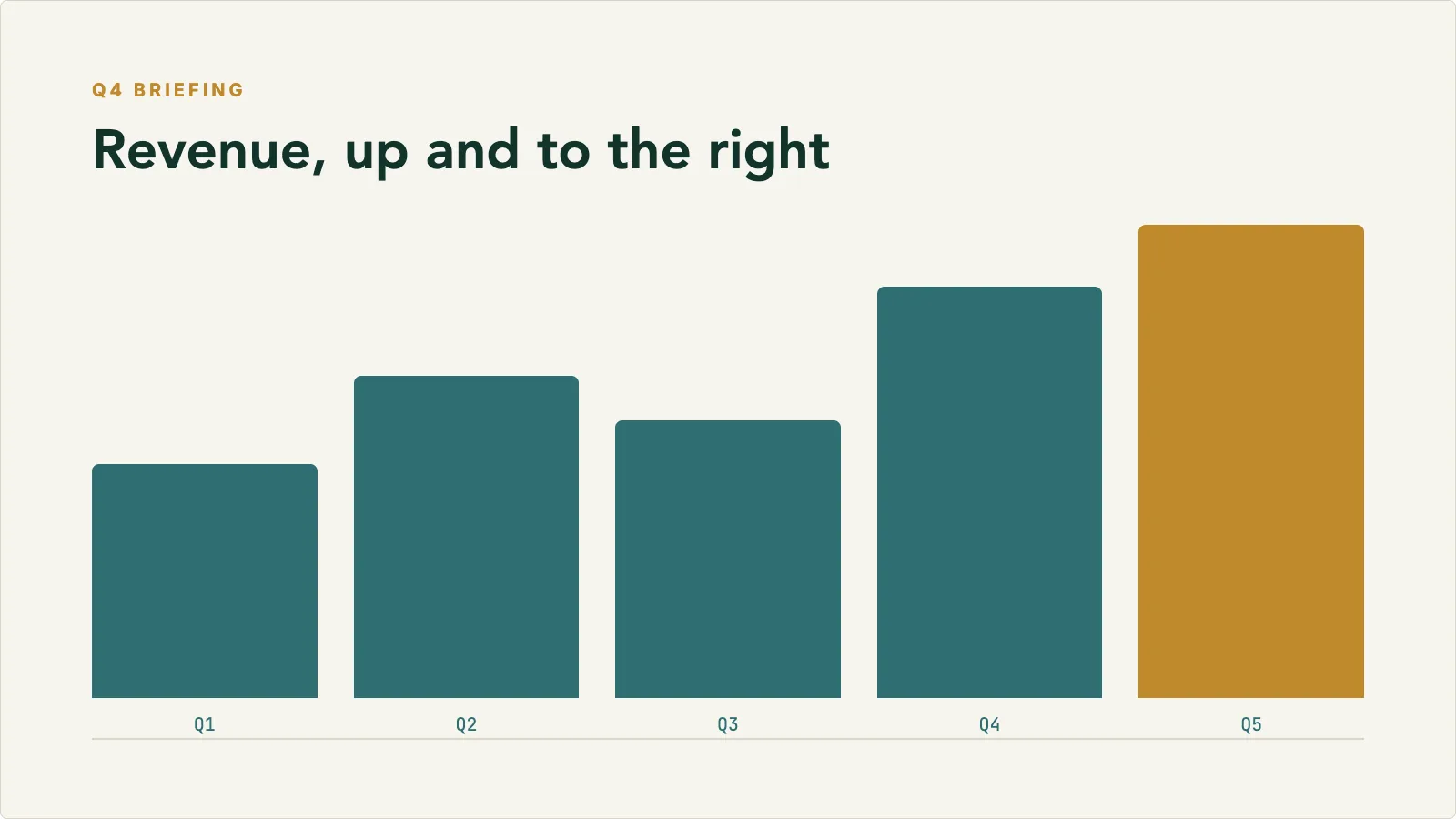
A finished finance slide in the Finance Briefing theme, one of 18 built-in looks. Review the wording, examples, and figures before the video is rendered.

Finance Briefing presentation theme slide previewFinance Briefing

Process

How it comes together

Start with the material you already have, then shape the draft into something you can publish or share.

Step 0101

Upload the course document

Start with a PDF, manual, notes file, or internal guide. Pick the sections that should become the lesson.

Step 0202

Review the generated storyboard

Inkbolt drafts the narration, scenes, visuals, and voiceover. Your team edits the draft before export.

Step 0303

Publish the finished video

Export an MP4 for an LMS, course library, advisor training portal, or internal team page.

Training moments

Turn dense finance material into lessons reviewers can actually check.

Use Inkbolt for the finance training moments that usually start in readings, case notes, planning guides, and product education documents.

Course support

CFA, CFP, QAFP, or CPA topic walkthroughs

Source
Course readings, instructor notes, study material, or internal training documents
Review
Check terminology, calculations, examples, and scene pacing before export
Output
Short narrated video lessons for a course platform, LMS, or learner portal

Planning concepts

Retirement, estate, tax, or financial planning explainers

Source
Planning guides, case studies, models, or topic briefs your team already trusts
Review
Refine examples and regenerate visuals while the storyboard is still editable
Output
Reusable explainers for students, advisors, or internal education libraries

Advisor enablement

Advisor onboarding and client conversation training

Source
Product guides, policy notes, planning cases, or client conversation frameworks
Review
Align voice, compliance wording, and examples across English, French Canadian, or Spanish versions
Output
Consistent advisor training videos for onboarding, refreshers, or product education

Use cases

Where it works best

The use cases and audiences this format fits.

Finance courses

Lessons for planning, accounting, and finance topics

  • Create educational videos based on your own course materials
  • Use readings, models, and case notes as the starting point
  • Use storyboard review to check terminology before export

Advisor training

Consistent training for advisors and client-facing teams

  • Use product education, planning guides, and internal notes for repeatable modules
  • Keep training aligned with the documents your team already maintains
  • Create English, French Canadian, and Spanish versions from the same source

Course providers

Update video lessons when course materials change

  • Refresh scenes when readings, examples, or rules change
  • Use one source document for short explainers or longer modules
  • Export MP4 files for your course platform or learner portal

Get started

Start with the material you already have

Upload a document, choose the video style, and let Inkbolt produce the first version in minutes.